Microsoft Clipboard History
Clipboard history is a collection of previously copied text, images, and other data.
Windows 10 and 11 include a built-in clipboard history, available through Win + V. It is useful for recent items, but has limits on the number, size, and formats of entries.
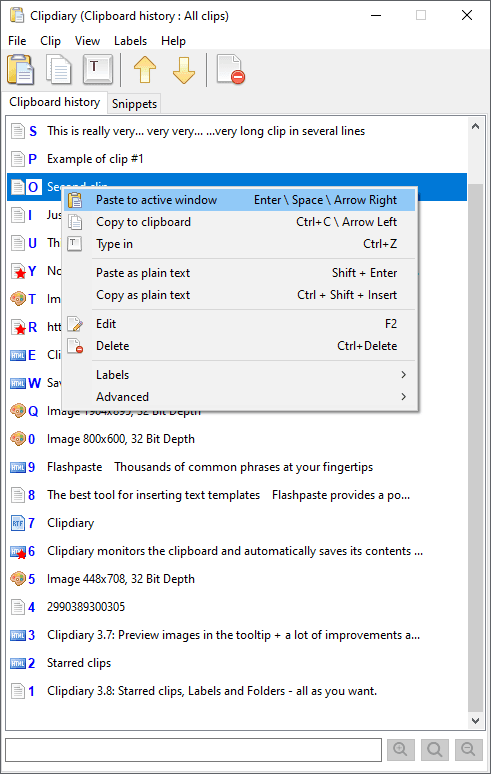
For a larger, searchable history, use Clipdiary clipboard manager. It saves plain text, formatted text (RTF), HTML, images, and file lists while it is running.
With Clipdiary, you can:
- Copy saved data back to the clipboard.
- Paste a clip directly into another application.
- Search for a clip by its contents.
- See which program the data came from.
- Delete clips you no longer need.